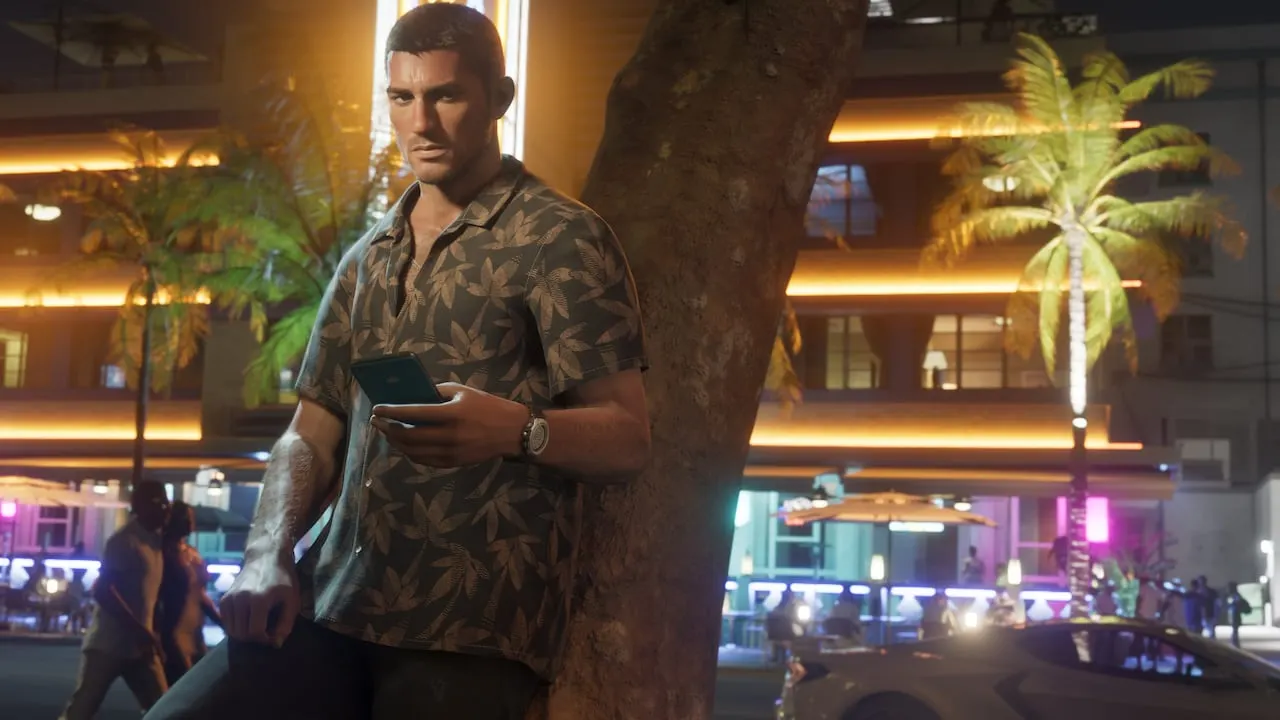
Everything a GTA 6 stream needs, free: overlays for OBS, chat commands for your bot, Starting soon and BRB scenes, Twitch panels and images for videos. No login, no sign-up, no fee; a small credit is all we ask.
Every part has a live preview and a 60-second setup. GTA 6 launches November 19: set it up now and it keeps working on launch night.
Stream overlays
Six transparent overlays for OBS and Streamlabs. Pick one, style it and copy the URL. Each loads one small file with no tracking.
Sample numbers, for the preview only.
Browser source size: 460 x 180
Set it up in 60 seconds
Pick an overlay, a theme and a size above. The preview shows it over a night or a day scene.
Copy the URL. In OBS Studio, click + under Sources, choose Browser and paste it. In Streamlabs, add a Browser Source.
Set the width and height shown under the URL, then drag it into place. The background is transparent.
Progress and counter overlays show a snapshot: after a session, copy the URL again and paste it into the source's properties.
Your progress, ready to share
The 100% checklist saves your ticks on this device, with no login. Here they become a share code for the overlays and the !progress command, and a picture to post.
0%
Nothing ticked yet on this device. Tick items on the 100% checklist and your progress shows here.
Live on stream
Go live and your progress and counter overlays, and !progress in chat, follow your checklist as you tick, on any page of this site. Only your share code is sent: no account, nothing else.
Share your progress
A picture of your 100% progress and a link to the checklist. Nothing is saved anywhere.
Chat commands for your bot
Five commands for Nightbot, StreamElements or Fossabot. Copy one, send it in your chat, done. The answers come from plain-text files on our site, so they stay right when dates or store times change.
!countdowna live countdown, counted by the bot itself
!unlockthe unlock time in any city chat names: !unlock tokyo
!mapany place on the map: !map ocean beach
!cheatsa cheat by name, once codes are confirmed
!progressyour 100% progress
Each bot fetches or counts the answer itself; nothing you pick here is sent anywhere.
Set it up in 60 seconds
Pick your chat bot, your store country, your city and, if you like, one place for !map.
Copy a command and send it in your own chat while the bot is a moderator there. The bot adds the command; that is the whole setup.
Viewers type the command and the bot answers with the fact and our link, in under 400 characters.
Your !progress line follows your live progress once you go live above. Otherwise it is a snapshot of this device: after a session, copy it again and change "add" to "edit" before you send it.
Stream scenes
Starting soon, Be right back and Thanks for watching, as full-screen 1920 x 1080 browser sources. Our own Leonida sunset art, a days-to-launch line and a small credit. No Rockstar logos or footage.
Starting soon
Be right back
Thanks for watching
Starting soon can count down: add ?min=5 to its URL (1 to 60 minutes), or &min=5 after a language.
Set it up in 60 seconds
Copy a scene URL above.
In OBS, add a Browser source to your Starting soon, BRB or Ending scene, paste the URL and set the size to 1920 by 1080.
Tick Refresh browser when scene becomes active, so the timer starts over each time you switch to it.
Twitch panels
Four panels for your channel page: the map, cheats, your 100% tracker and a giveaway. PNG files at 640 x 200, sharp at Twitch's 320 px panel width.
Map: suggested link https://gta6cheatsheet.com/gta-6/map/
Cheats: suggested link https://gta6cheatsheet.com/gta-6/cheats/
My 100% tracker: suggested link https://gta6cheatsheet.com/gta-6/100-percent/
Giveaway: link it to your own giveaway page
Set it up in 60 seconds
Download the panels you want.
On your Twitch channel page, open the About tab, switch on Edit panels and add a panel for each image.
Upload the image and paste the suggested link into Image links to.
The giveaway panel is yours: point it at your own giveaway.
Viewer games: the Prediction of the Day
Put today's GTA 6 prediction on stream. Viewers vote free on gta6cheatsheet.com with no account, and the poll overlay shows the vote shares as they come in. A new question every day, settled with a source once the answer is known.
Set it up in 60 seconds
Click the button above: it opens the overlay builder with the poll picked.
Copy the URL into an OBS browser source, sized as shown.
Tell chat to vote at gta6cheatsheet.com. The question changes by itself every day at midnight UTC.
Guess where I am
Show chat a circle of the Leonida map and let viewers name the place with !guess. The first right answer wins a point on your channel's board, and you reveal the place whenever you like. Names on the board are the public chat handles your bot sends.
Pick a place, or leave it random, and start a round. Your first round makes your channel; this device keeps its key.
Add the map crop overlay URL as an OBS browser source, and send the !guess command in your chat to add it to your bot.
Chat types !guess and a place. The bot answers Nope, Close or who got it. Reveal the place when you want to move on, then start the next round.
Content kit for YouTubers
Fact cards, the Rumor Report scorecard and the unlock-time chart as 1920 x 1080 images for videos and thumbnails. They are drawn from our latest data when you open this page, each with its source and our credit on it.
Release date
Price
Preload
US unlock time
Boxed copies
Age rating
GTA 6 Rumor Report
Unlock times
Set it up in 60 seconds
Download the cards you need.
Drop them into your editor. Each one carries its source and our credit: keep those in frame.
Add the credit line below to your video description.
Widgets for sites, blogs and Discord
The countdown, unlock times by country and the rumor scorecard, as an iframe or a script tag, each with a credit link. All of them are in the widget gallery.
Map links: any pin you share from the Leonida map opens the map on that spot.
Share codes: your 100% progress code works in every overlay and chat command here.
The credit line
A visible credit is all we ask. Paste this under a video, in a panel or in your stream description:
We are an unofficial fan site, not affiliated with Rockstar Games or Take-Two. Rockstar's art and logos belong to Rockstar; this kit uses our own drawings.
Creators we watch
Featured creators
Exclusive GTA 6 Info & NEW Screenshots - How Rockstar Built The Map, Lucia In Liberty City And MORE!
Videos we watched and picked ourselves; nothing here is paid for or traded. Made a GTA 6 video worth featuring? Tell us through the contact page.
Questions people ask
Is the GTA 6 stream kit free?
Yes, all of it: overlays, chat commands, scenes, panels, widgets and images. No login and no fee. A visible credit to gta6cheatsheet.com is all we ask.
How do I add a GTA 6 countdown to OBS?
Pick the Countdown overlay above, copy its URL, then in OBS add a Browser source, paste the URL and set the size shown under it. It counts to the store-listed unlock for your time zone.
How do I add a GTA 6 countdown command to Nightbot?
Pick Nightbot and your store country under Chat commands, copy the !countdown line and send it in your chat. Nightbot counts down by itself to that store's listed unlock time.
Can the overlay show my 100% progress live?
Yes: press Go live under Your progress, and the overlay follows your checklist about a minute after each tick, with no account. Only your share code is sent. Without it, the overlay shows a snapshot: copy its URL again after a session.
Do the overlays track my viewers?
No. Each overlay is one small page with no cookies, no ads and no trackers. The poll overlay asks our site for today's vote count once a minute, and nothing else.