Countdown widget
GTA 6 Countdown Widget: Free Embed for Your Site or Stream
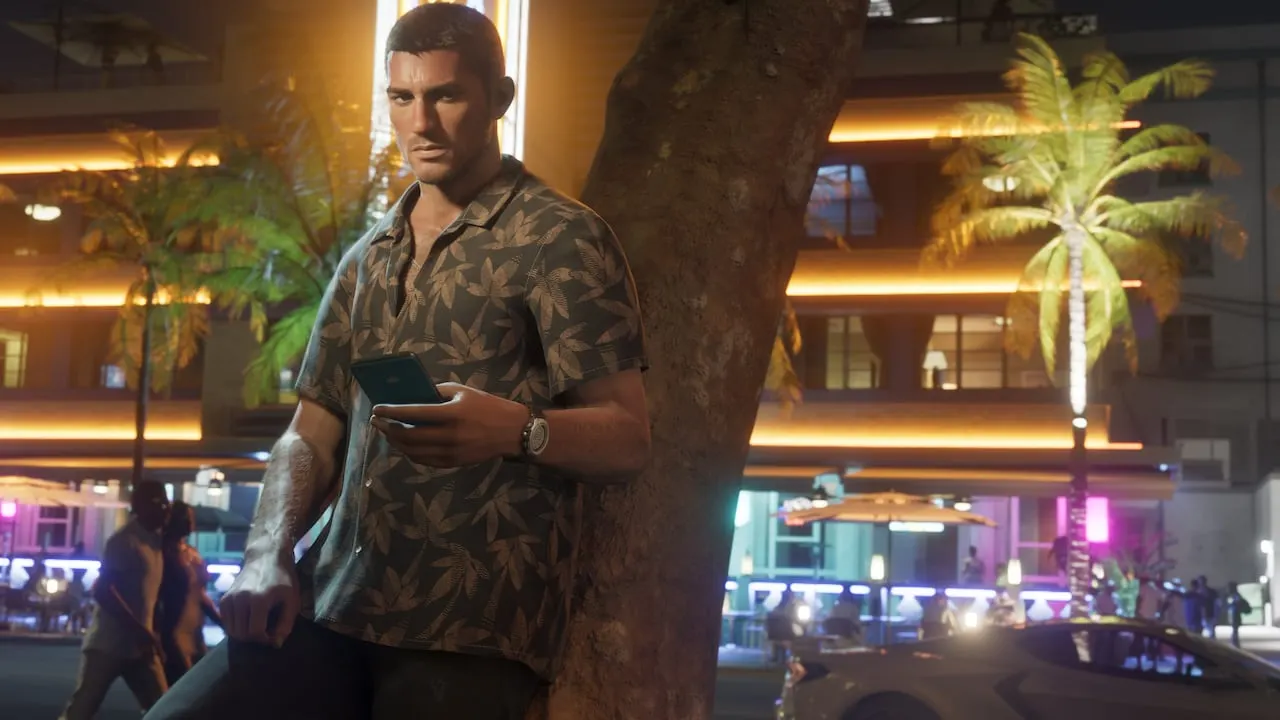
Image: Rockstar Games
Copy the code below to put a live GTA 6 countdown on your site, or add the OBS link as a browser source to show it on stream. It counts to November 19, 2026 on each viewer's own clock.
The GTA 6 countdown widget is free, weighs under 5 KB, sets no cookies and loads nothing from anywhere else.
Live preview
Embed it on your site
Paste this where you want the countdown. It is responsive up to 520 px wide.
<iframe src="https://gta6cheatsheet.com/embed/countdown/" title="GTA 6 countdown" width="100%" height="190" style="border:0;max-width:520px" loading="lazy"></iframe>
<p style="margin:4px 0 0;font:12px/1.4 system-ui,sans-serif">Countdown by <a href="https://gta6cheatsheet.com/">gta6cheatsheet.com</a></p>Add it to OBS or Streamlabs
- In OBS Studio, click + under Sources and choose Browser. In Streamlabs, add a Browser Source.
- Paste the URL below. It has a transparent background for overlays.
- Set the width to 520 and the height to 190, then resize it in your scene.
https://gta6cheatsheet.com/embed/countdown/?bg=transparentWant the dark card instead? Drop the ?bg=transparent part: see the plain widget.
What it counts to
The widget counts to the first minute of November 19, 2026 wherever the viewer is, because Rockstar has confirmed the date but not an unlock hour. The stores list one moment per country, which for the US is Wed, Nov 18, 9:00 PM Pacific; every country is on the GTA 6 release time page. For the full launch calendar, see the countdown page.
Questions people ask
Is the GTA 6 countdown widget free?
Yes. Paste the code on any site, blog or stream page. Please keep the small gta6cheatsheet.com credit inside the widget.
What time does the countdown count to?
The start of November 19, 2026 on the viewer's own clock. Rockstar has confirmed the date, not the unlock hour; the store-listed times by country are on our release time page.
How do I add the GTA 6 countdown to OBS?
In OBS Studio, add a Browser source, paste https://gta6cheatsheet.com/embed/countdown/?bg=transparent as the URL and set the width to 520 and the height to 190. The transparent version has no background, so it sits on top of your scene.
Does the widget track viewers or set cookies?
No. It is one small page with no cookies, no trackers, no ads and no outside requests. It works out the time with the browser and nothing else.
Will it update if GTA 6 is delayed?
Yes. The widget loads from our site, so if Rockstar moves the date we change it once and every embed follows.